

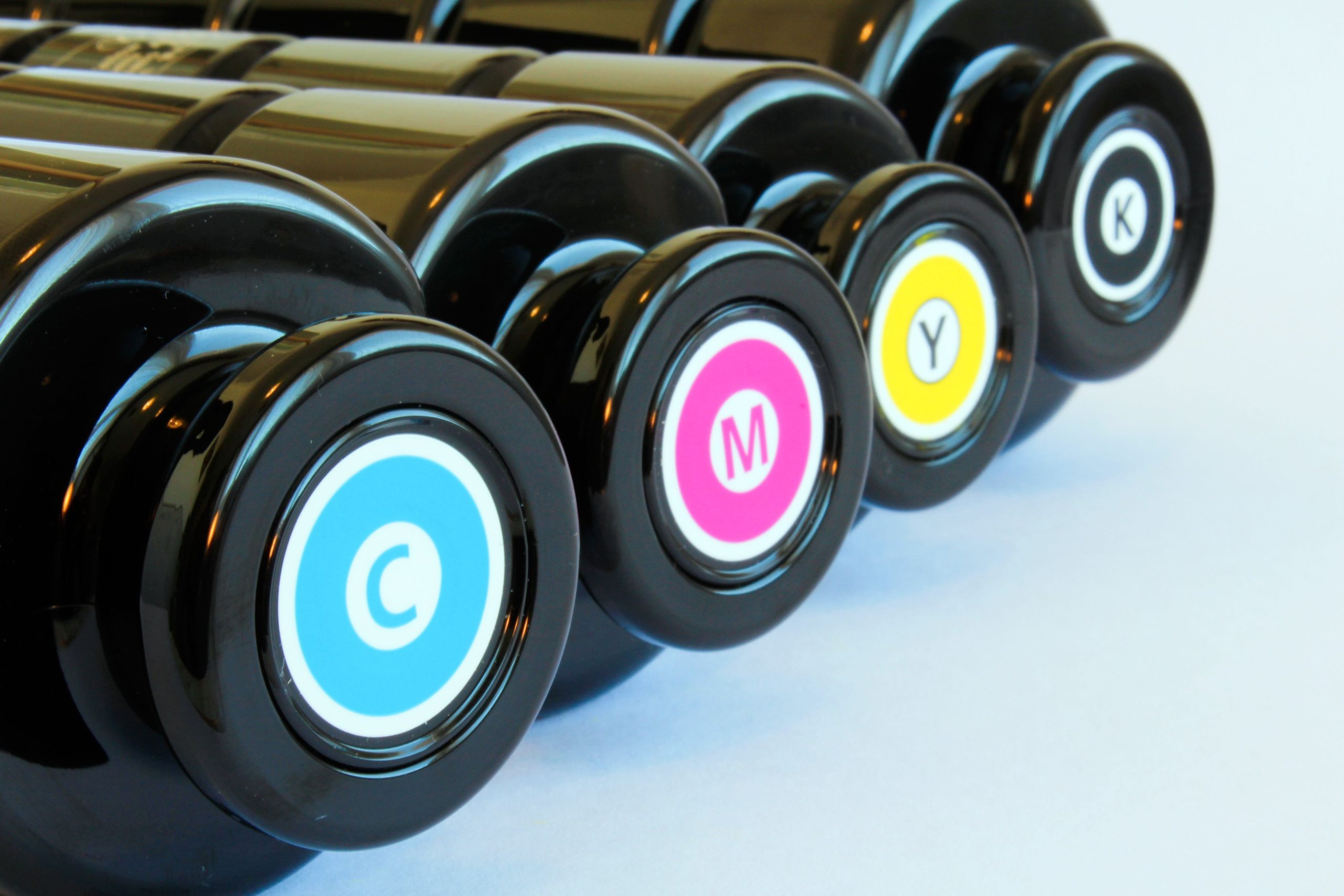
When supplying artwork for print, the final file must be prepared in CMYK so colours can be reproduced accurately on press. Understanding how CMYK works helps explain why it remains the standard for printed materials.
What does CMYK mean?

CMYK is the colour model used for print. It describes how four inks combine on paper to create full colour images. Preparing artwork in CMYK keeps colours within the range that can be reproduced with ink.
What does CMYK stand for?
CMYK refers to the four inks used in full colour printing:
C: Cyan
M: Magenta
Y: Yellow
K: Black
Why is K the letter for black?
Black is represented by K, short for Key. This reflects its role as the key plate that carries the main detail and alignment information. Cyan, magenta and yellow can be combined to produce dark tones, but the result is weak, so black ink is added to give depth and clarity.
How does CMYK work?
CMYK uses a subtractive colour model. Cyan, magenta and yellow inks absorb parts of the white light that reflects from the paper. By varying the amounts of these inks, a broad range of colours can be produced. Black ink strengthens shadows and text because the three coloured inks alone cannot create a strong neutral black.
In both digital and lithographic print, the image is broken into tiny halftone dots of cyan, magenta, yellow and black. Digital presses place these dots directly. Lithographic presses transfer them from metal plates via a rubber blanket. Although the processes differ, both rely on the same dot structure, which the eye reads as continuous colour.
How does a subtractive model achieve full colour results?
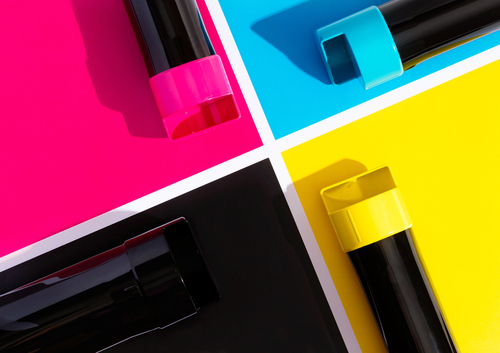
A subtractive model works by absorbing specific wavelengths of light:
White minus red produces cyan
White minus green produces magenta
White minus blue produces yellow
Layering these inks controls how much light is reflected back to the viewer. Adding black extends the range of darker tones and strengthens fine detail.
What is halftoning?
Halftoning uses dots of varying size and spacing to reproduce continuous colour. A lighter tint uses smaller or more widely spaced dots. A heavier tint uses larger or more closely spaced dots. When viewed at normal distance the dots merge visually, creating smooth gradients and full colour images.
Why is black known as the key colour in CMYK?
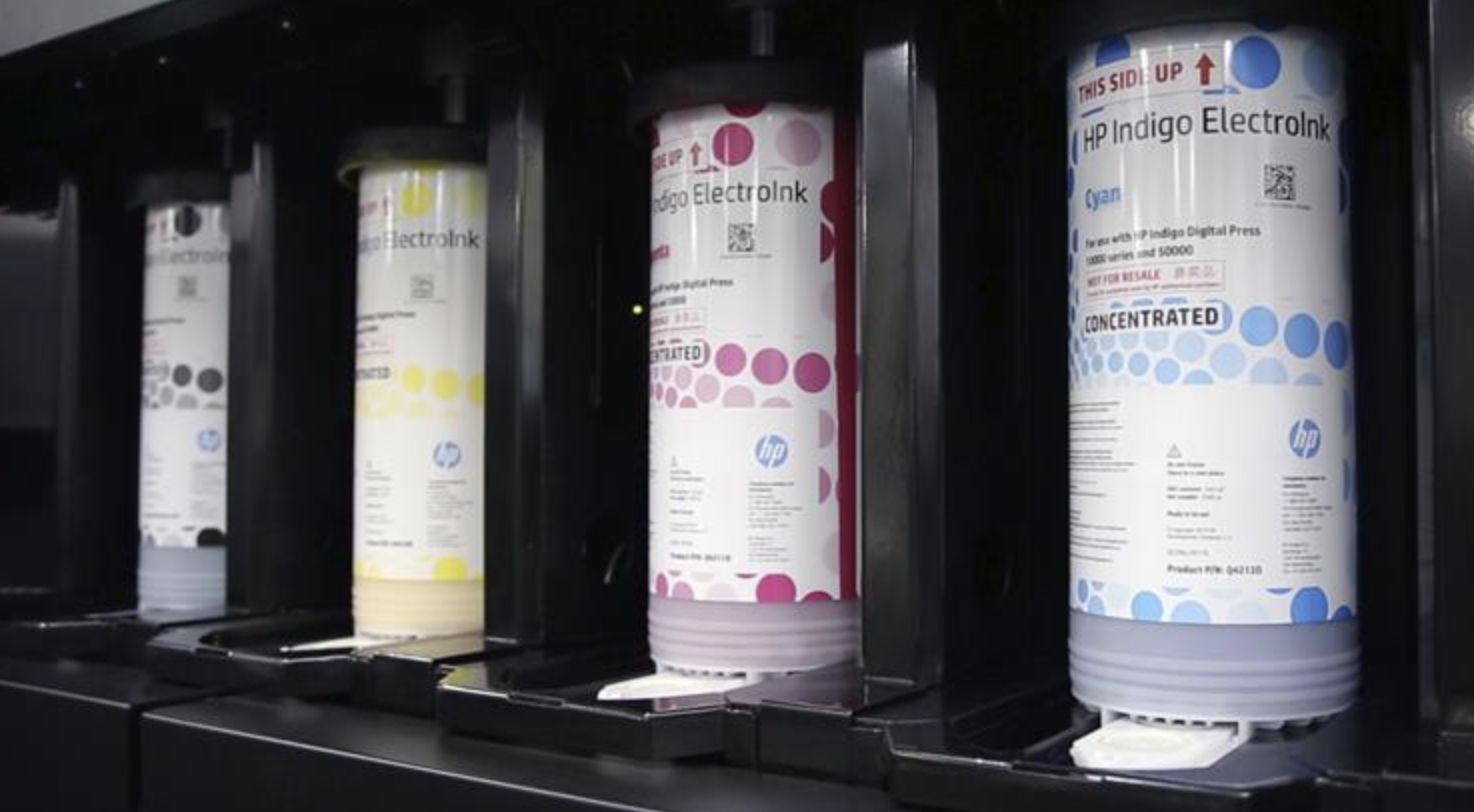
Black supports fine text, sharp edges and shadow detail. It produces darker tones than a mix of cyan, magenta and yellow, and it keeps ink coverage manageable. Relying on the three coloured inks alone would require heavy layers of ink, which slows drying and increases the risk of bleeding on the paper.
What is a colour gamut?
A colour gamut is the range of colours a device can reproduce. Screens, cameras and printers each have their own gamut based on how they create or record colour. A screen can display more saturated colours because it emits light, whereas print relies on reflected light and a limited set of inks.
How does the CMYK colour gamut differ from RGB?
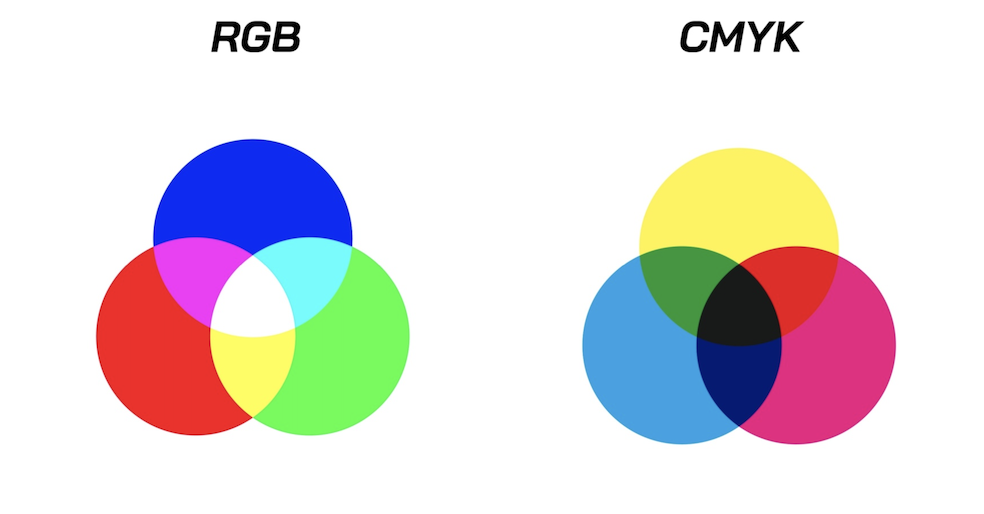
RGB has a wider gamut than CMYK. It can display bright and neon colours that are not achievable with ink. CMYK has a narrower gamut because it is restricted by how the four inks absorb and reflect light.
What are the differences between CMYK and RGB?
RGB is an additive colour model used by screens. Red, green and blue light combine to create the final image. CMYK is a subtractive model used for print. Cyan, magenta, yellow and black inks absorb light to build colour on a white surface. Because the two models work differently, colours that appear bright on screen may shift when converted into the more limited CMYK range.
Why prepare artwork in CMYK for print?
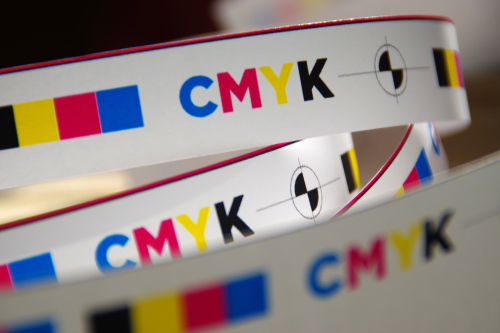
Design work happens on screens, so artwork is always viewed in RGB during creation. What matters is the colour mode of the final document. Setting up the file as CMYK keeps colours within the range that can be reproduced with ink. Bright RGB values, such as neons and intense saturated tones, often fall outside the CMYK gamut. If conversion happens only at export, the shift can be significant.
Preparing the file in CMYK from the start reduces these surprises and helps the printed result stay close to the intended design.
What are ICC profiles and why do they matter?
ICC profiles describe how a specific device displays or reproduces colour. Each monitor, press and proofing workflow behaves slightly differently. Applying the correct ICC profile to your artwork helps the print process interpret your colours as accurately as possible within CMYK. This reduces the risk of unexpected shifts when converting from RGB.
Final checks before supplying artwork
Before exporting your artwork, confirm the document is set to CMYK, any RGB elements have been converted and the correct ICC profile has been applied. This gives the press the information it needs to reproduce your colours reliably. Find out more about setting up your files for CMYK and other things you need to do before submitting your artwork for print at our page on supplying your artwork.
Ready to print?
From business cards to flyers and leaflets you can find everything you need at Solopress.

 English
thanks